Reader boundary
Set the latest safe chapter before generating the reader-facing record.
Write the chapter. Keep the details straight.
A desktop studio for LitRPG and progression-fantasy authors. Keep levels, stats, inventory, and world details beside your draft, then trace each change to the scene where it happened.
WriteIDE 0.7.3 · macOS Apple Silicon · Windows x64 · Linux x64
Free desktop app · no account required
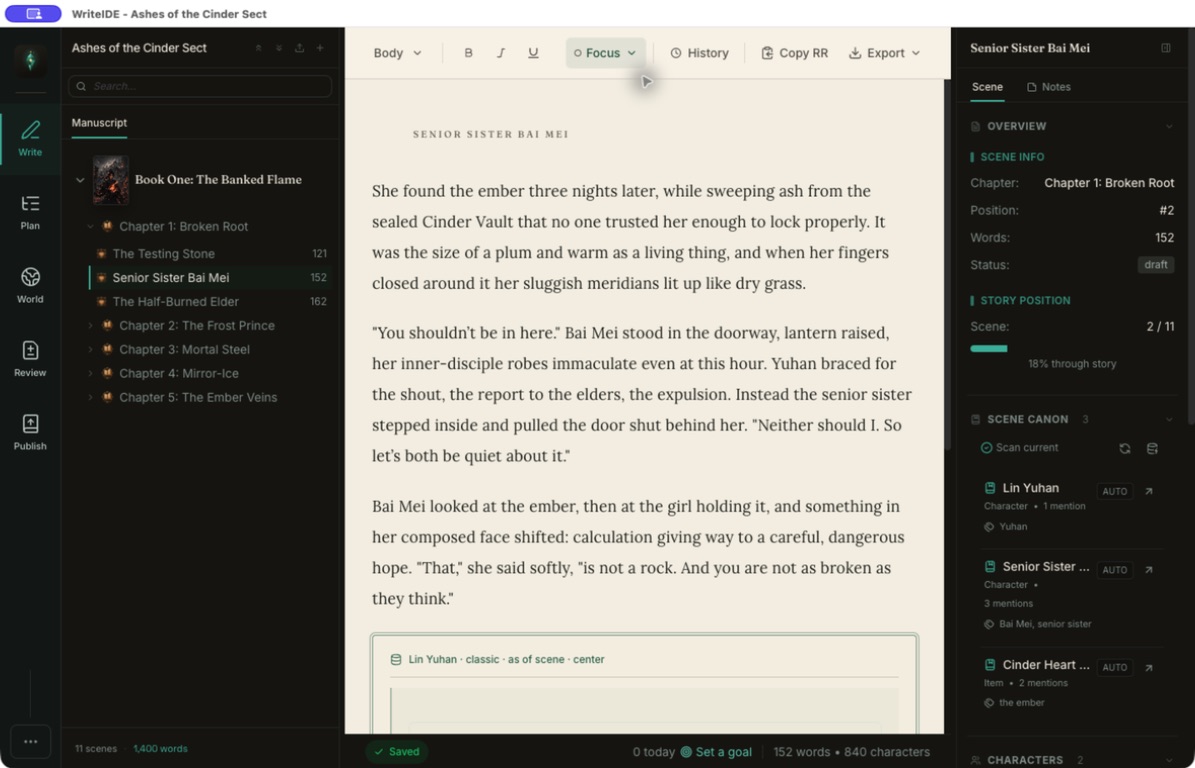
WriteIDE 0.7.3
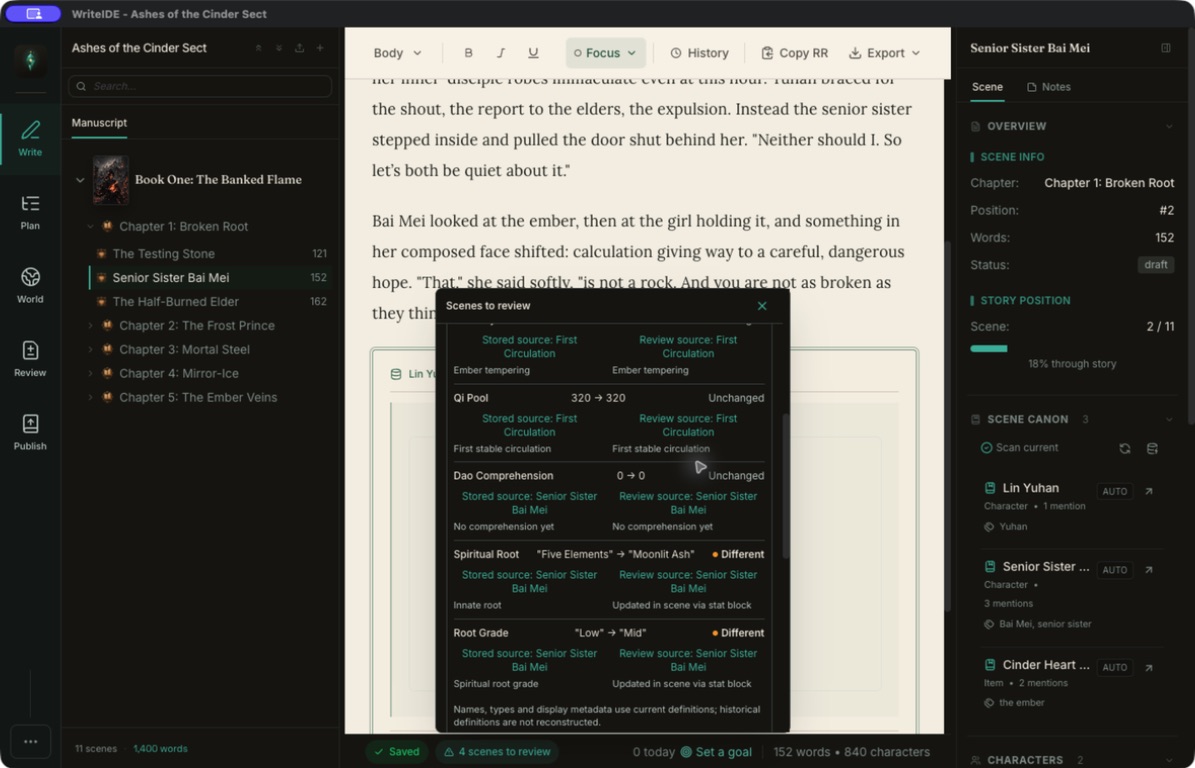
Scenes to review compares recorded numeric, text, tier, and true/false base values with the values at review time, then points back to the supporting scene.
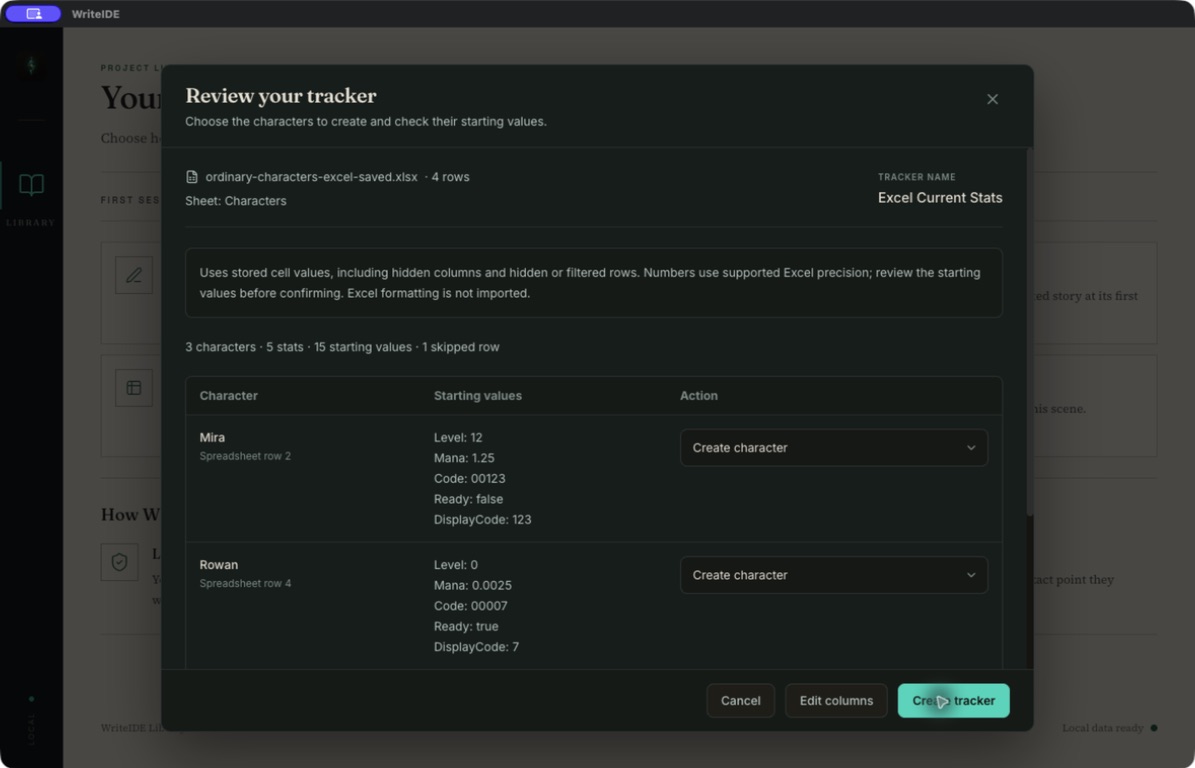
Trackers and exports
Build a new tracker from a reviewed CSV or Excel table, choose the character and stat columns, and export current base values to CSV when you need a working table again.
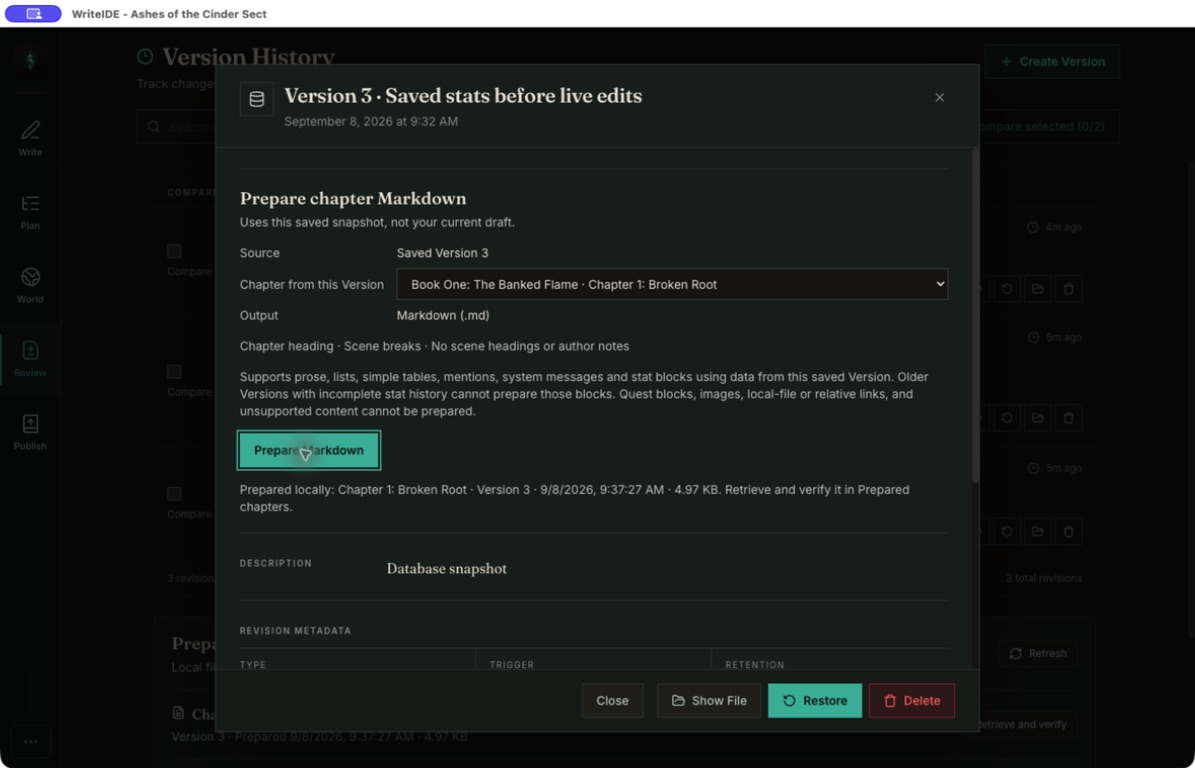
Saved chapter preparation
From Version History, prepare supported chapter Markdown from a saved Version. Later, retrieve the prepared file or compare it with the current draft before you use it.
Download the desktop app
Choose the build for your computer and start writing. Your projects stay on your device, with no account or subscription required.
WriteIDE 0.7.3 for LitRPG and progression-fantasy authors. Portable Windows and alternative Linux packages are available under All builds.
WriteIDE 0.7.3
Signed and notarized on macOS, signed on Windows, and distributed through GitHub Releases.
macOS Apple Silicon · View VirusTotal report
f2d81cb4ae369777c0fa980c2696cb6f7c761619b6d7fb2648e98da9bb59c2acWindows x64 installer · View VirusTotal report
887978d0d4de2b9e6eaa01e591622ddd5c62c6c8f14038e268e5f39168116bdeReports are supporting information, not a safety guarantee.
WriteIDE stays free.
Download it, use it, keep it. If it earns a place in your workflow, you can help fund the next release.
Leave optional supportReader Codex
Choose a safe story boundary, review what belongs in it, and write a static Reader Codex to a folder you choose.
Set the latest safe chapter before generating the reader-facing record.
Write a folder site or portable HTML file for the destination you choose.
Inspect what is included and held back before publishing the files.
Free tools for this
Small tools for the jobs WriteIDE handles across a whole manuscript. They run locally in your browser and need no account.
Build a LitRPG character sheet with class, level, stats, skills, and gear, then copy Royal Road HTML or export a shareable PNG.
Compare two LitRPG stat blocks, highlight every delta, and check changes against expected level-up or loot receipts. Free and browser-local.
Build LitRPG system-message blue boxes for Royal Road, then copy clean chapter HTML or download a shareable PNG. Free and browser-local.