What's new in WriteIDE 0.5.1
WriteIDE 0.5.1 came straight out of early-user feedback. A reader named Ashley sent in a detailed bug report, my own QA pass turned up a few more, and I used the chance to add two features that give you more control over how stats work and how they show up in your manuscript. Around 70 new tests landed with this release, for 720 total, all green.
Here is what changed, in plain terms.
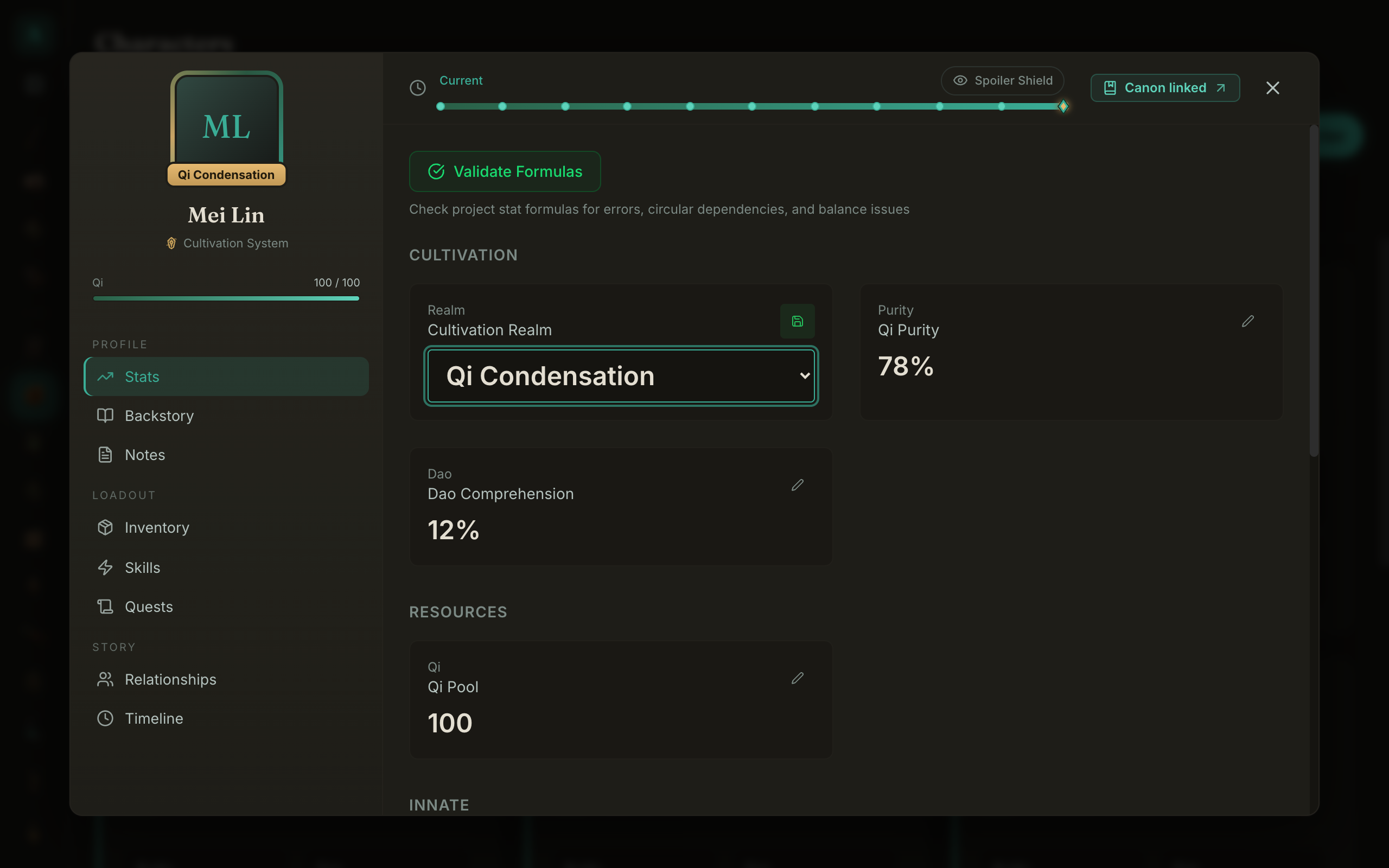
New: Type-aware stat editors
Editing a stat now gives you the control that actually fits the stat instead of one generic text box for everything.
- A tier stat gets a dropdown of the tiers you defined for the system. No more retyping "Foundation Establishment" from memory and hoping you spelled it the same way as last time.
- A number stat gets a number field with - / + steppers, and it respects the system's min and max.
- A boolean stat gets a simple True/False toggle.
There is also an opt-in "Allow values outside the system limits" toggle for the moments when a character breaks their own system on purpose. Off by default, so it keeps you honest until you decide otherwise.
New: Build the exact stat block you want
Stat blocks used to render whatever the system handed them. Now you choose.
- A Fields checklist lets you pick exactly which stats appear in a given block.
- A new clean "Field List" layout renders exactly the fields you picked, in a tidy list.
- You can save a block's layout plus its field selection as a reusable named preset, so the next block is one click instead of a re-setup.
Fixed: Stat blocks now show every field
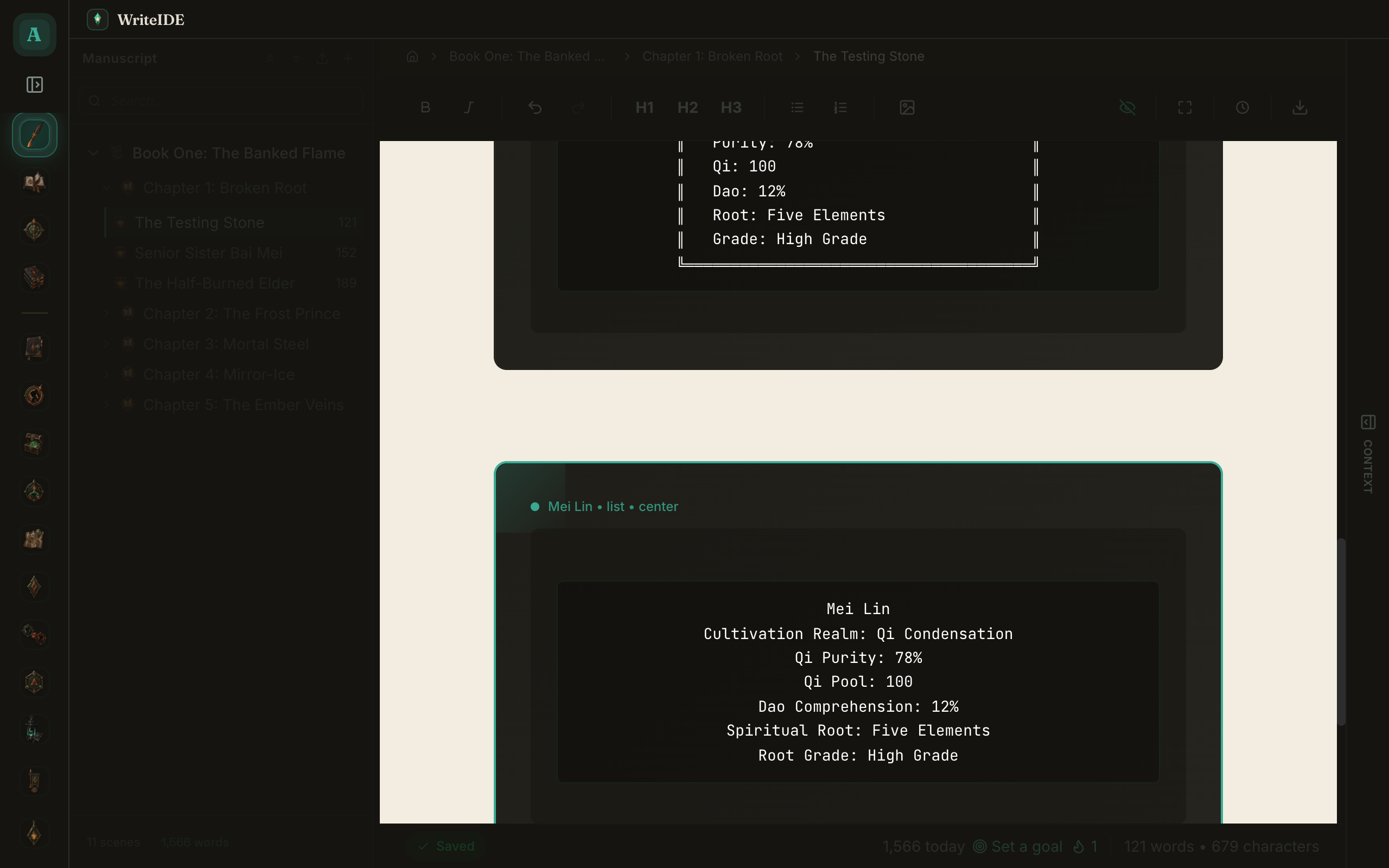
A cultivation status block used to silently drop tier and text fields like Realm, Spiritual Root, and Root Grade, because they rendered as 0. Now all of them appear. You will see "Realm: Qi Condensation" and "Root Grade: High Grade" the way you wrote them.
The detailed character sheet got the same treatment: tier and text values show as text instead of 0, percentages get their % sign back, and it no longer prints a bogus "Level" line for level-less systems or a meaningless "Class" line.
Fixed: Custom stat systems are reachable everywhere
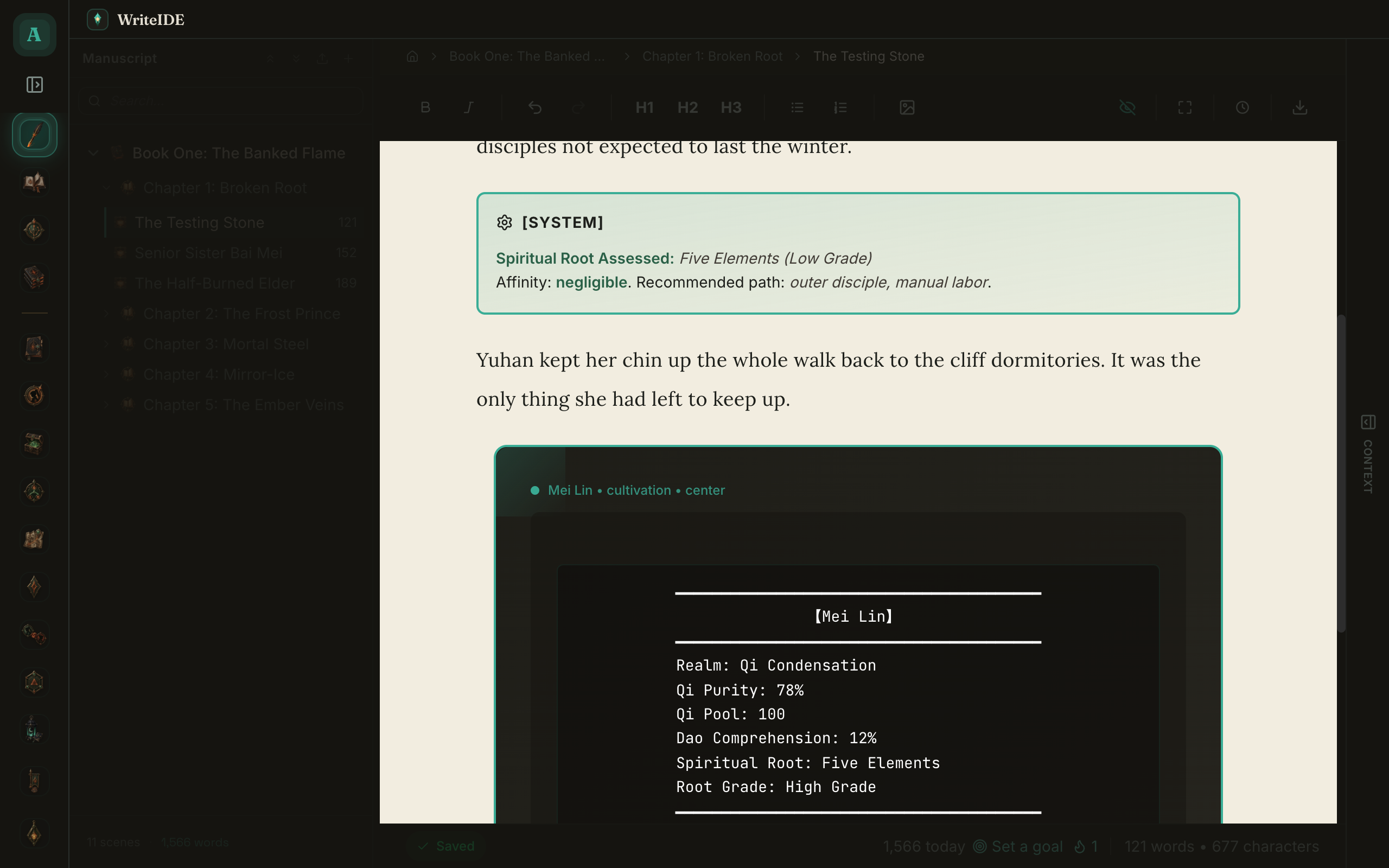
If you built your own stat system on the Stat Systems page, it used to be invisible the moment you went to create a character. Only the built-in systems showed up. Now your custom system appears in New Character, Quick Create, and Browse All Templates, and it actually seeds that character's stats.
Under the hood and smaller fixes
- Two systems that share a stat short-name (for example STR) no longer collide on one shared definition. Each system owns its own, which also de-clutters the "Edit Current System" view.
- Importing a stat system no longer rejects its own export. Create did not require a description while import did. They agree now.
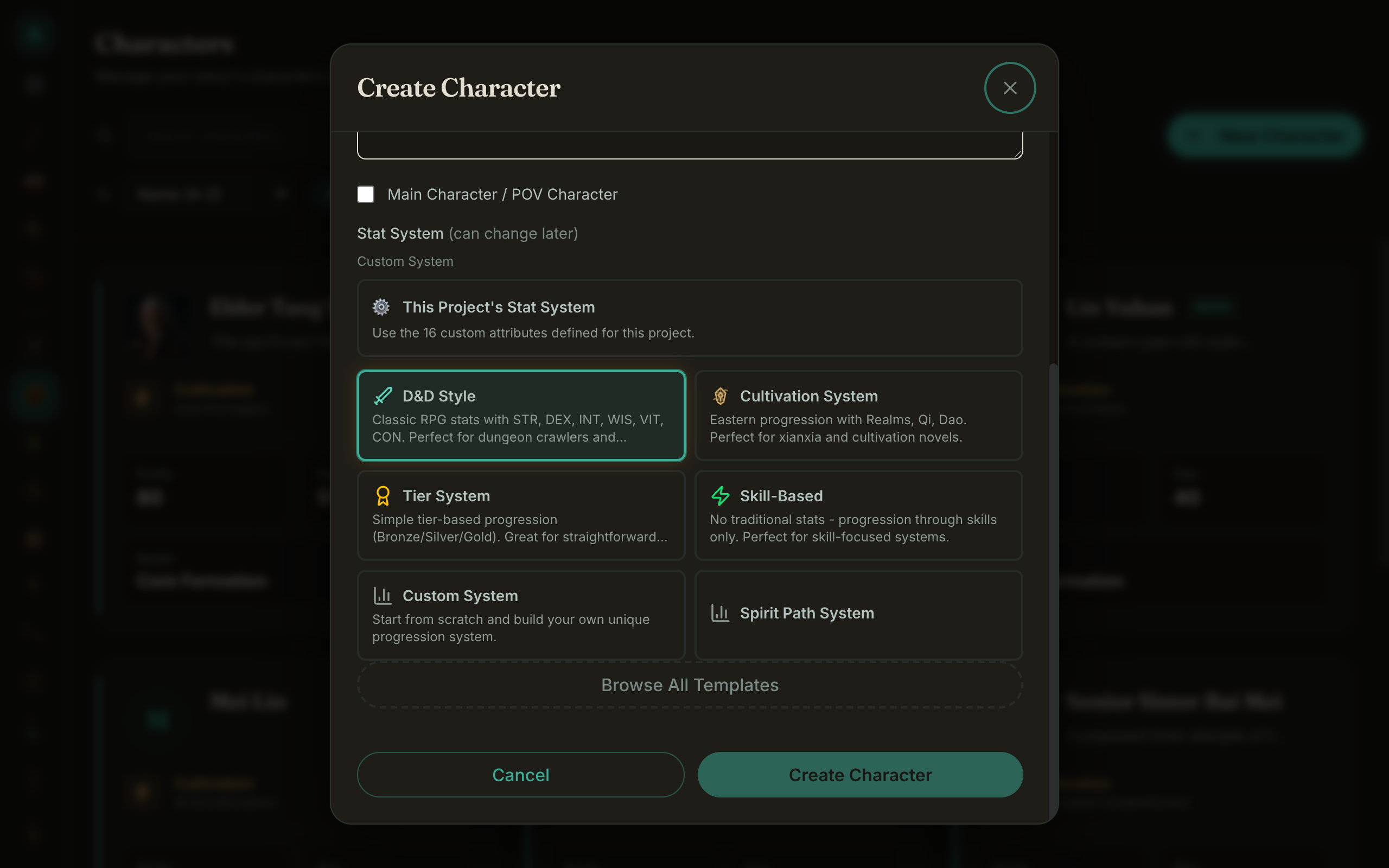
- Stat blocks no longer leak raw {{current}}/{{max}} tokens for a scalar pool stat like a Qi Pool. It shows the number.
Same-day fix (0.5.2): the oopsie pass
I shipped 0.5.1 in the morning, started clicking around the new stat-block controls, and immediately found a handful of glaring interface issues I had walked right past. So a few hours later, here is 0.5.2 to clean them up:
- The stat-block toolbar got crowded once it grew the Fields and Presets controls, and it could scroll sideways. It is now compact icon buttons with hover tooltips, and it wraps instead of scrolling.
- The layout and field menus, and the stat-provenance tooltip, were getting clipped by the editor, and the provenance even spawned a stray scrollbar. They all float cleanly above everything now.
- The provenance tooltip used to say "orderInStory" at you. It now says where each value was last set, in plain words.
- The Edit Stats dialog highlighted its values in a harsh solid green. Selection is a soft tint now, much easier to read.
Nothing under the hood was broken in 0.5.1. This was all polish. But polish is the part you actually touch.
WriteIDE is free, local-first, and requires no account. Still macOS 12+ on Mac; Windows and Linux are unchanged.
More in Release notes
Saves and backups are safer and visible, words typed just before a crash are offered back, lost projects can be restored from their backups, and long manuscripts import without freezing.
9 min readWriteIDE 0.7.3: every resource pool, clearer History, safer scene changesDamage, healing and Record a change now work with every numeric resource, stat edits land where you are looking, and History and scene deletion explain what they do.
4 min readWriteIDE 0.7.2: safer stats, saved chapters, and a calmer workspacePrepare saved chapters, move typed stats through CSV and Excel, and keep typography and Focus choices with each project.
10 min readNotes worth sending
Release notes when a version ships, plus Lab notes and guides. No weekly filler.