What's new in WriteIDE 0.5.5
The last release ended with "if you hit one I missed, tell me." Two of you did, in the same week.
One writer asked for character classes, so a Berserker and a Priest can grow differently per level. That work is underway for 0.6, and it is coming because he asked. The other sent a screenshot and a fair question: the site says local-first with no uploads, so why did the app just tell him "Image uploaded successfully!"?
He was right to ask. Nothing uploads. Your manuscript, your characters, and every image you add live in files and a database on your own computer. But the app used the word "upload" for a local save, and if the words lie about the small things, why would you trust them on the big one? So 0.5.5 became a simple project: fix every word that lies, and fix every number that could drift.
Here is what changed, in plain terms.
Fixed: The word "upload" is gone, because nothing uploads
This was the screenshot that started it. Adding a character portrait gave you a dashed box with a little up-arrow cloud icon, and a green toast announcing your image had been "uploaded":
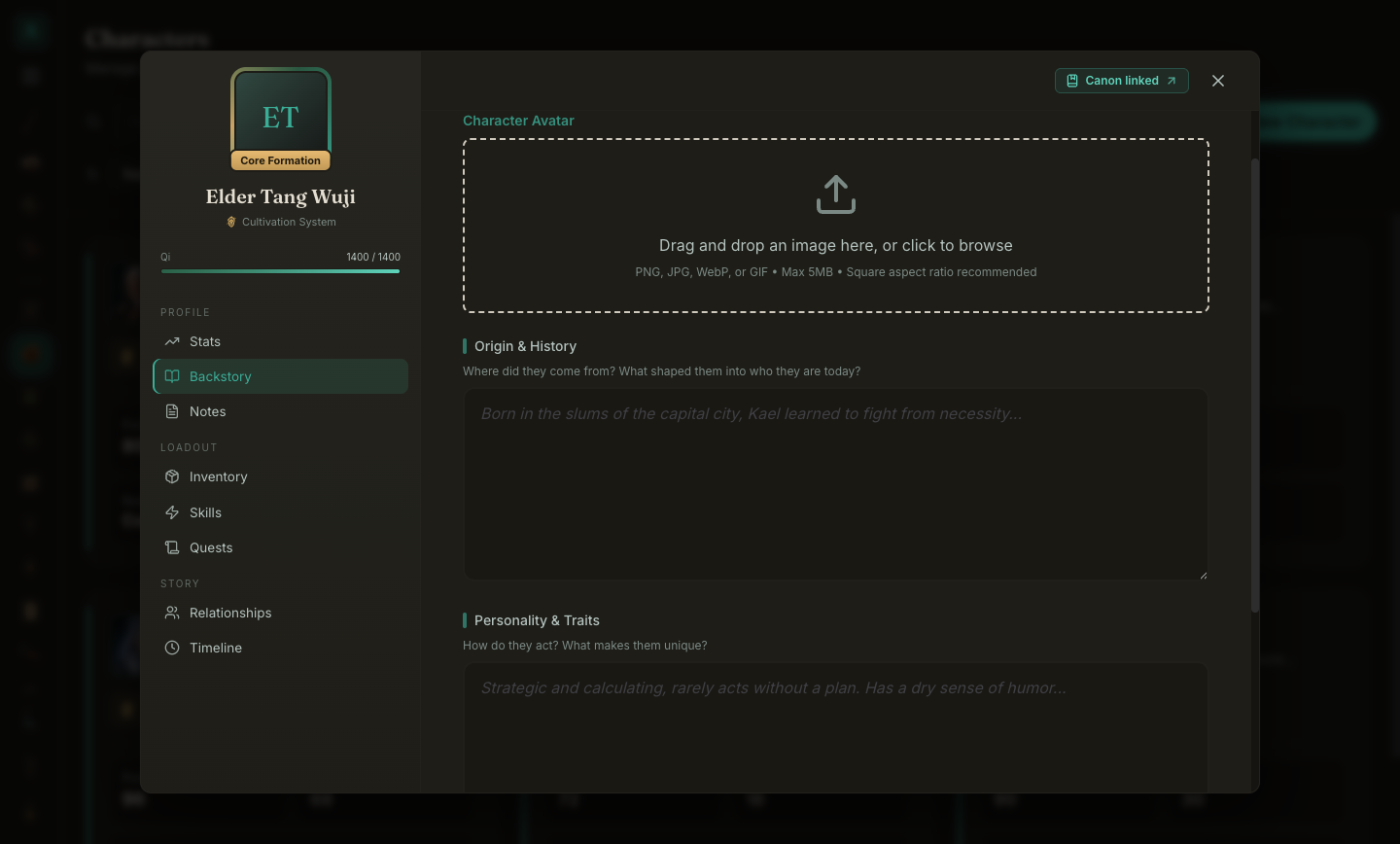
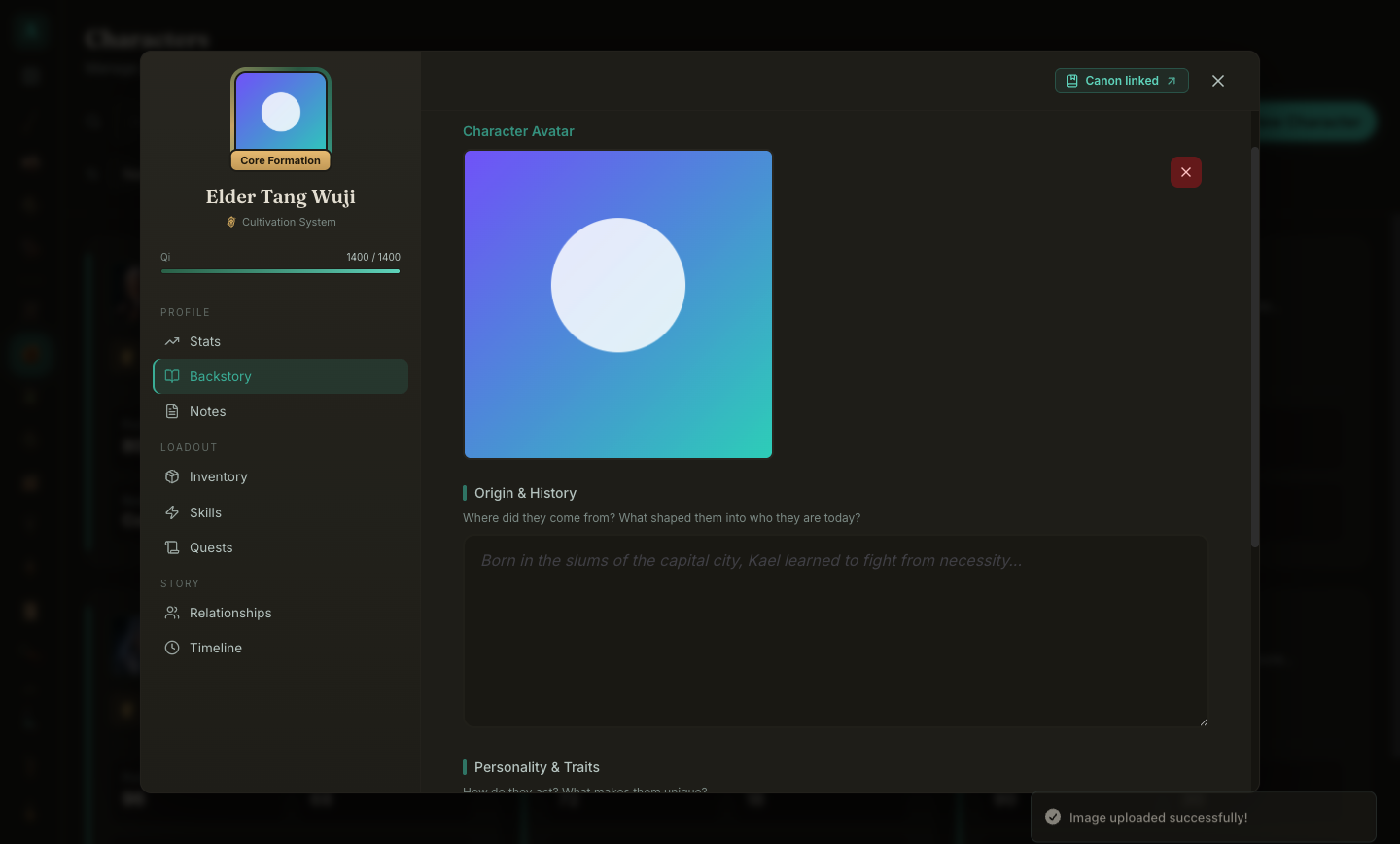
What actually happens is a file copy into your project folder, on your machine, full stop. Now the interface says so:
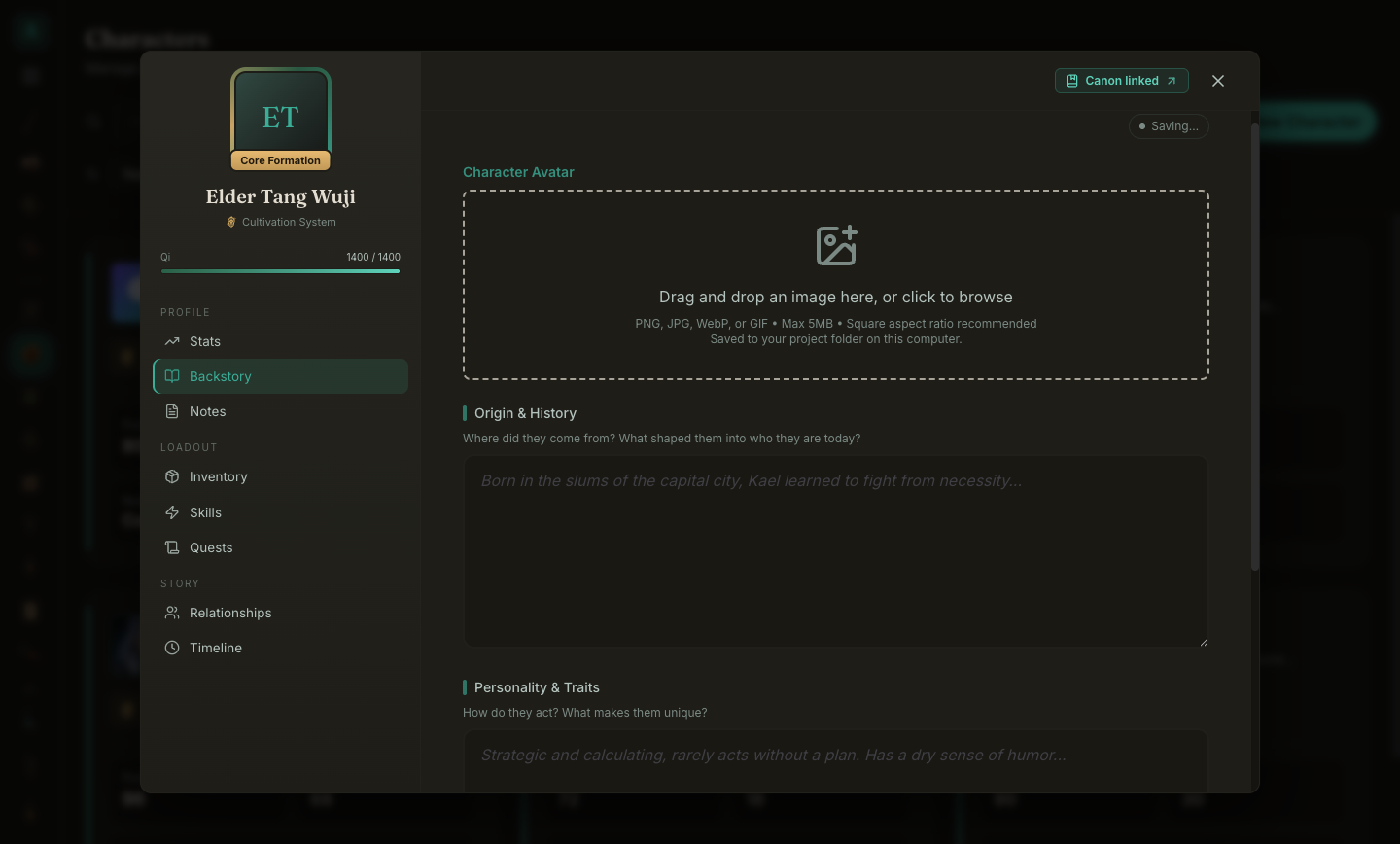
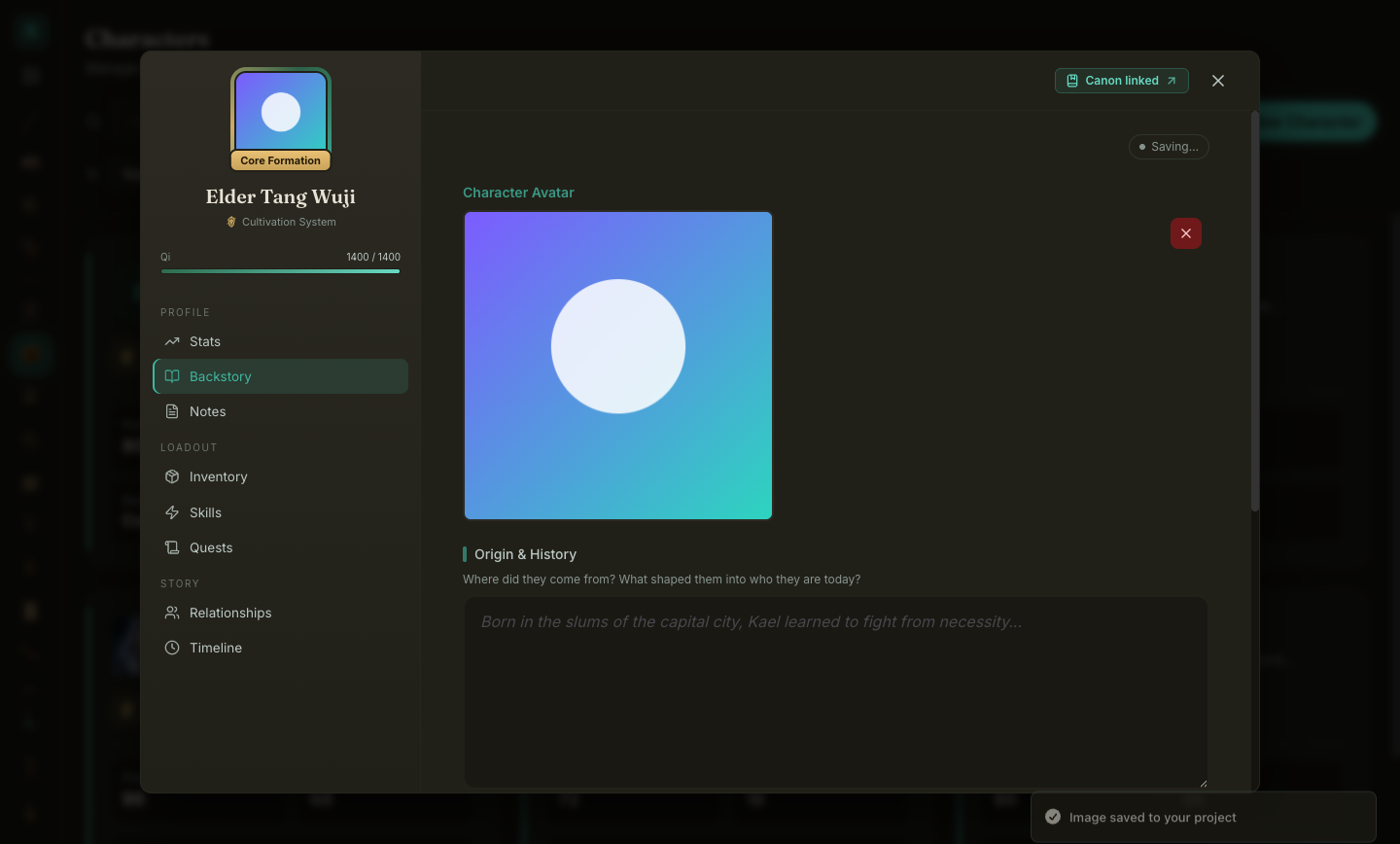
The same pass ran through every surface that borrowed the word: rarity icons, quest badges, skill glyphs, faction crests, template covers, inline manuscript images, canon portraits. Import dialogs now say "Choose file." The formula validator now reports local validation errors accurately instead of showing a misleading connection error, and commands for features that are currently switched off no longer appear in the menus.
And since we are being precise: the app now talks to the internet in exactly two ways. It asks GitHub whether an update exists (nothing downloads unless you click), and it fetches one screenshot from writeide.com when the release notes popup opens. That is the whole list. It used to be three, because the app loaded its fonts from Google at every launch; as of this release the fonts ship inside the app. No telemetry, no analytics, no accounts, and nothing you write is ever sent anywhere.
Fixed: The level-up dialog does exactly what it shows
The Growth/Lvl numbers in the level-up dialog were editable, and the preview updated when you changed them. But the applied gains quietly used the stored rates, so what you confirmed was not always what got written. That is the kind of bug this tool exists to prevent, and it is fixed: the rates you set in the dialog are the rates that apply to that level-up.
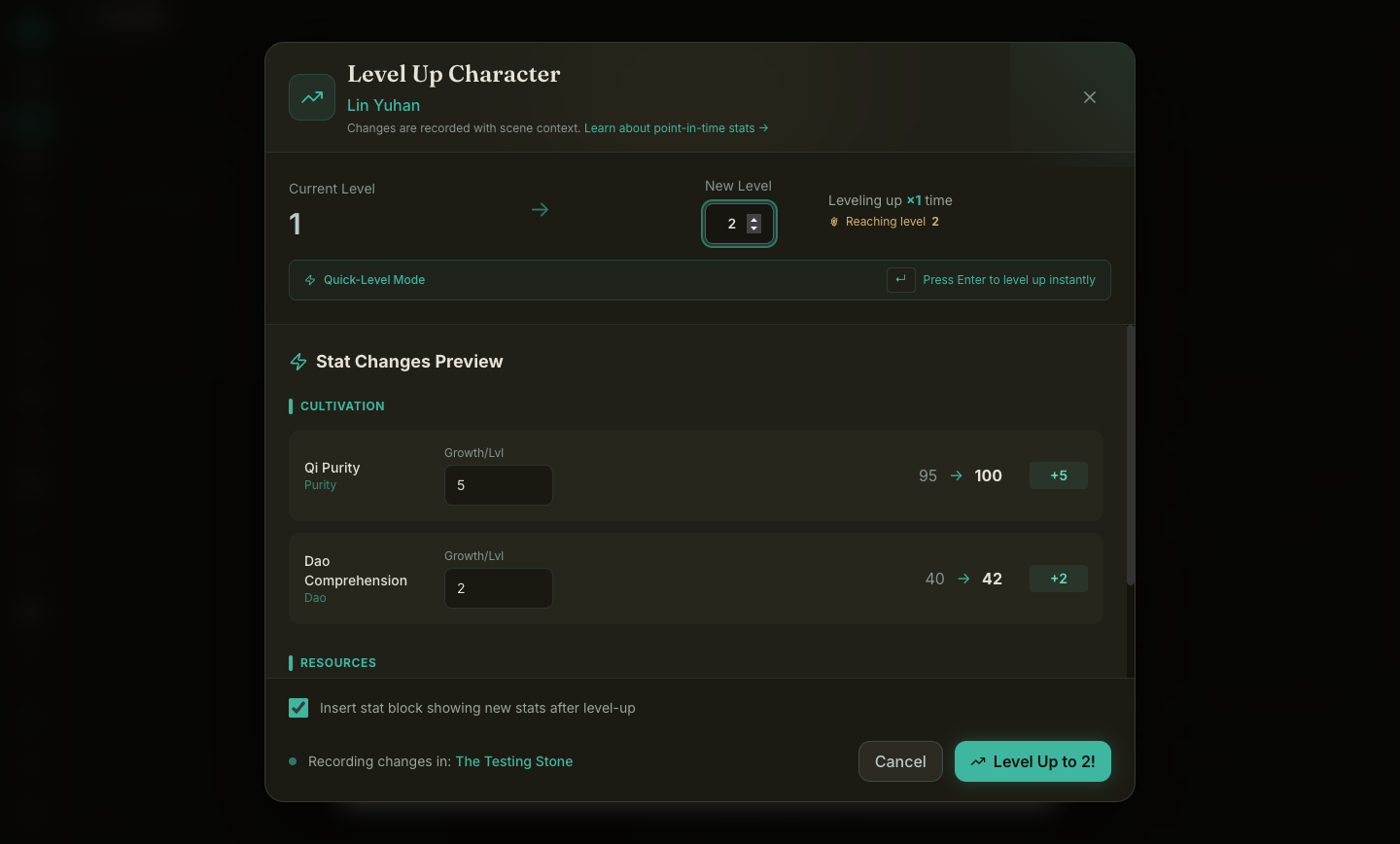
Level-ups also now respect stat system boundaries. If your project has more than one stat system, leveling a character used to apply growth from all of them at once. Now a character only ever grows by their own system's rules, which also happens to be the groundwork the 0.6 class system builds on.
Fixed: The timeline tells the truth about your gear
Point-in-time views are the heart of WriteIDE: jump to any scene and see the world as it was. Inventory had gaps there. An item you dropped and later re-acquired could vanish from past scenes. Consuming one potion out of three could hide the stack. A sword displaced by a gear swap could show as still equipped in history. All of it is fixed, and the fix was tested against every scenario we could invent, including dual-wielded duplicates and partial trades. Eleven new regression tests hold the line.
New: Quests you can run from the keyboard
The quest system grew its full set of lifecycle commands. Type a slash in the editor and the Quests group is right there:
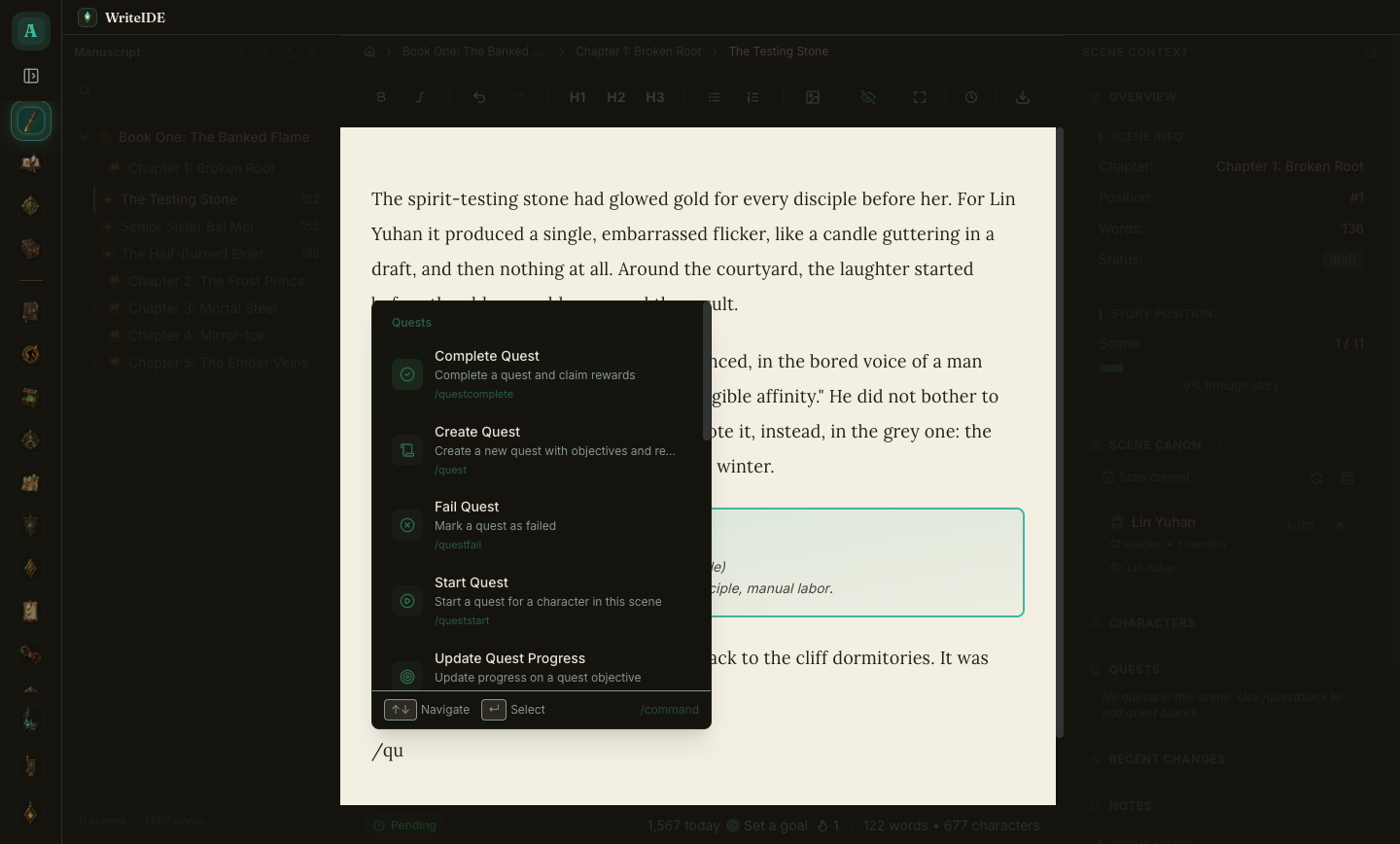
Each command opens a small keyboard-first dialog in the house style. Starting a quest for a character mid-scene takes a few keystrokes, and the change is recorded against that scene like every other event:
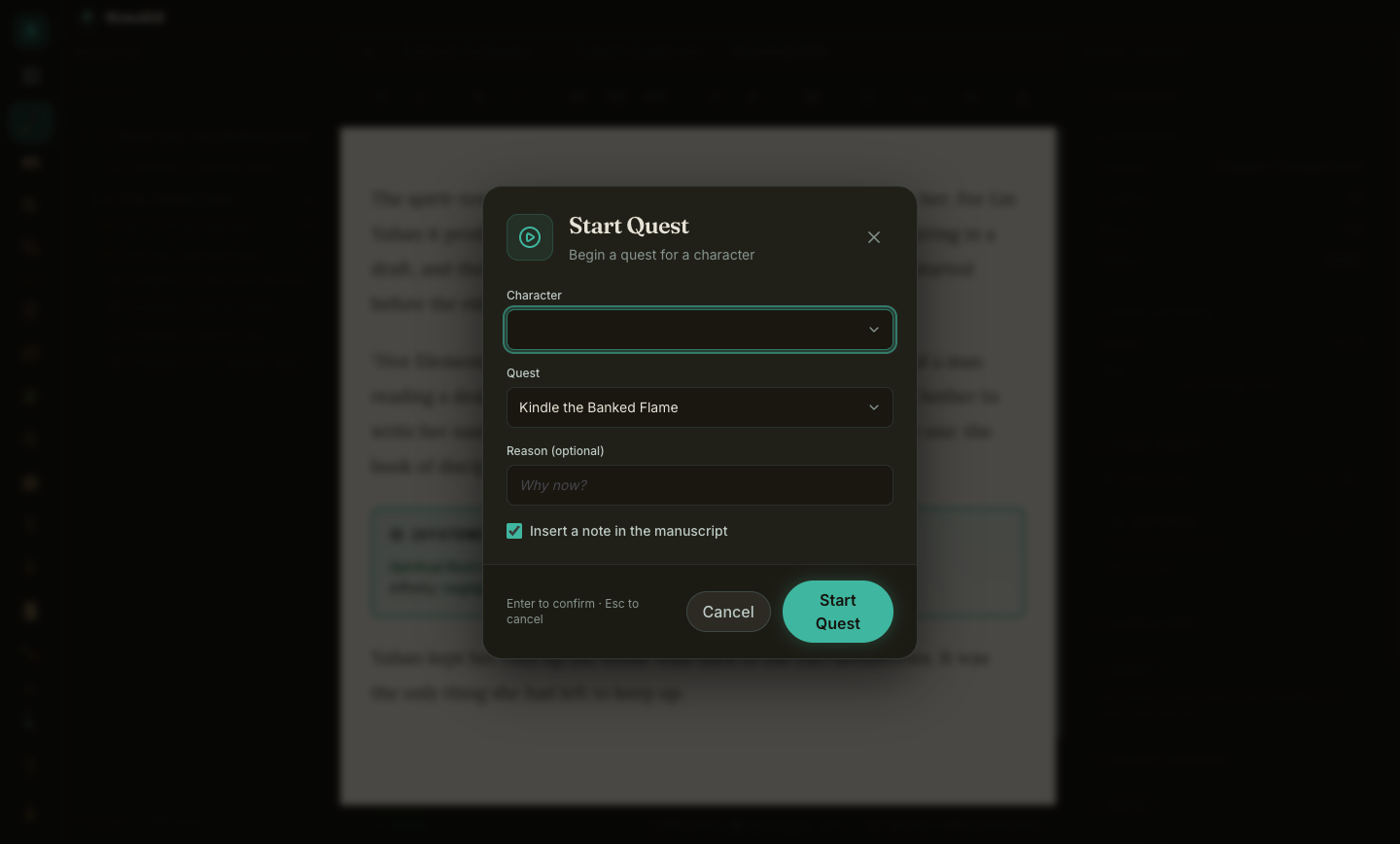
Locations and relationships got manual commands too, so /location and /relationship now work alongside /faction and /thread, and all of them show up properly in the inline slash menu.
Under the hood
Every fix in this release was built the same way: first write a test that reproduces the bug and watch it fail, then fix it, then hand the result to a separate reviewer whose only job is to break it. The inventory fix went through four rounds of that before it survived. Two items from the June audit turned out to be already fixed, and they got regression tests anyway so they stay fixed. The full suite runs green: 744 tests across the app and the database layer.
This release exists because two readers took the "tell me" line seriously. It works. If something in WriteIDE looks wrong, reads wrong, or makes you wonder where your words are going, tell me.
More in Release notes
Saves and backups are safer and visible, words typed just before a crash are offered back, lost projects can be restored from their backups, and long manuscripts import without freezing.
9 min readWriteIDE 0.7.3: every resource pool, clearer History, safer scene changesDamage, healing and Record a change now work with every numeric resource, stat edits land where you are looking, and History and scene deletion explain what they do.
4 min readWriteIDE 0.7.2: safer stats, saved chapters, and a calmer workspacePrepare saved chapters, move typed stats through CSV and Excel, and keep typography and Focus choices with each project.
10 min readNotes worth sending
Release notes when a version ships, plus Lab notes and guides. No weekly filler.